Only pickup-ready locations
Active locations, restaurant operations, and linked pickup methods are checked together.
 Multi Pickup
Add a clear location selector to the Side Cart and keep the customer's choice attached to the cart, checkout, and order.
Requires Wix Restaurants Menus and Wix Restaurants Orders.

Active locations, restaurant operations, and linked pickup methods are checked together.
The chosen business location travels with the customer into checkout and the resulting order.
Reuse the business locations and pickup settings already managed in your restaurant setup.
Multi Pickup filters your restaurant configuration in real time and shows customers only the choices that can accept pickup orders.
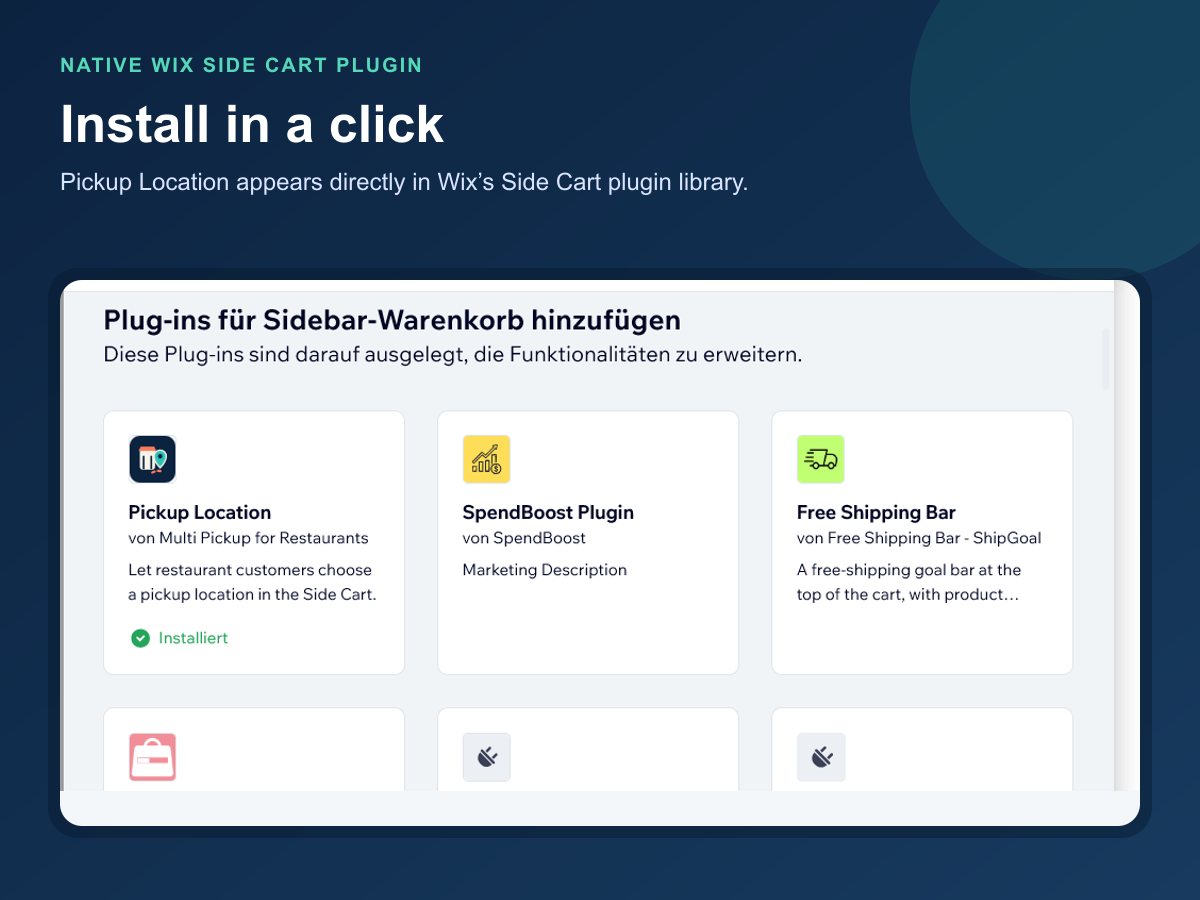
Install Pickup Location from the Wix Side Cart plugin library. It uses the restaurant locations and pickup settings already managed in Wix.
For a restaurant operating one pickup location.
For restaurant groups that need every branch available.
Only active business locations connected to an online restaurant operation with an enabled pickup fulfillment method.
Directly on the Wix eCommerce cart as its business location. The app does not maintain a separate customer database.
The only eligible location is selected automatically and saved on the cart.
No. Wix Restaurants Orders and Wix eCommerce continue to own checkout and order creation.